Open Source Software Package Manager
Solve your dependency puzzle
Pixi is built on top of the existing conda ecosystem. Automatic lockfiles produce reproducible environments across operating systems without Docker!

Start Right Away
Easy installation
To install, run on of the following commands in your terminal. Or use the Windows installer Otherwise use the alternative installation methods in our documentation.
# on Unix
curl -fsSL https://pixi.sh/install.sh | bash

# on Windows
powershell -ExecutionPolicy ByPass -c "irm -useb https://pixi.sh/install.ps1 | iex"

# Unix alternatives
brew install pixi
sudo pacman -S pixi
apk add pixi

# Windows alternatives
winget install prefix-dev.pixi
choco install pixi
pixi add python=3.12
Get started quickly
Our mission is to make Pixi as simple as possible to use. Running complex projects should be as simple as typing "pixi run start". Code runs in dedicated, isolated environments that can be recreated in 100 years from today. You can simplify complex tasks by creating "tasks" that act as entrypoints.
➜ pixi init project
✓ Created /home/user/project/pixi.toml

➜ cd project
~/project
➜ pixi add python numpy cmake
✓ Added python >=3.13.0,<3.14
✓ Added numpy >=2.1.3,<3
✓ Added cmake >=3.31.1,<4

~/project
➜ pixi run python --version
Python 3.13.0

~/project
➜ pixi add python==3.10
✓ Added python==3.10

~/project
➜ pixi run python --version
Python 3.10.0
Share your project
Collaborate with others
Great projects are the fruit of collective effort. Pixi makes onboarding and collaboration simple and seamless. Always maintain updated lockfiles. Ensure compatibility across Windows, MacOS, and Linux. Leverage Git to keep track of your environment changes.
~/project
➜ cat pixi.toml
[project]
name = "project"
version = "0.1.0"
description = "Example project"
authors = ["Pixi <hi@prefix.dev>"]
channels = ["conda-forge"]
platforms = ["linux-64", "win-64", "osx-arm64", "osx-64"]

[tasks]
start = "python main.py"

[dependencies]
python = ">=3.13.0,<3.14"
numpy = ">=2.1.3,<3"
cmake = ">=3.31.1,<4"
Pixi build - from Project to Package
Build and distribute
Transform your project into a Conda package for effortless installation on any machine.
Upload the Conda package to prefix.dev, an S3 bucket, or any other Conda channel provider to share it with the world (or your team).
~/project
➜ pixi build
✓ Build my-project into ~/project/my-project-0.1.0.conda

~/project
➜ pixi upload prefix -c user/my-channel my-project-0.1.0.conda
✓ Uploaded my-project to https://prefix.dev/user/my-channel

~/project
➜ pixi global install my-project -c https://prefix.dev/user/my-project
Globally install your
Favorite Devtools
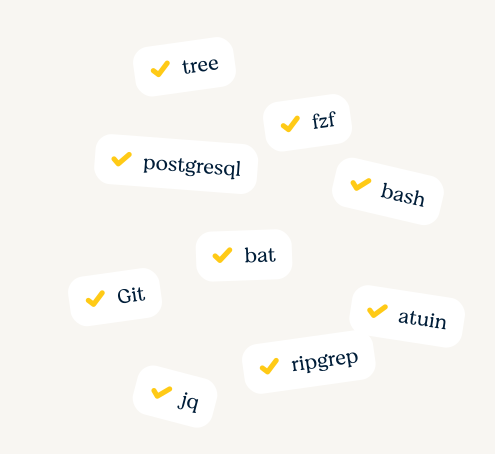
Tools like git, bat, curl, bash, jq, tree, fzf, ripgrep, fd or atuin are quick to install globally with pixi global install ... . They are declaratively registered in a .toml file that you can re-use on your next machine.
Companion tools
Meet Pixi's friends
pixi-pack: Package your Pixi environments into self-extracting archives for simple distribution
pixi-docker: Turn your project into a Docker container and deploy wherever you want!
conda-deny: Find and deny licenses in your pixi-projects